
By Derek Burk
When you’re building an IPUMS International extract, you almost always have a central topic or question in mind: How is children’s educational attainment influenced by their parents’ education levels? How have migration patterns in Latin America changed in the past few decades? How do age and disability status interact to influence employment?
In other words, you almost always know the main variables you want in your extract. To study education, you’ll need EDATTAIN. To study lifetime international migration, you’ll need BPLCOUNTRY. To study disability and employment, you’ll need DISABLED and EMPSTAT.
Wouldn’t it be great if there was a magic wand that could add all the samples with your variable(s) of interest to your extract with just a flick of the wrist?
If you’re nodding your head in agreement right now, we think you’ll love our new feature: variable based sample selection! It doesn’t involve a wand, but it is a magical way to select samples based on the variables you need.
Enabling variable based sample selection
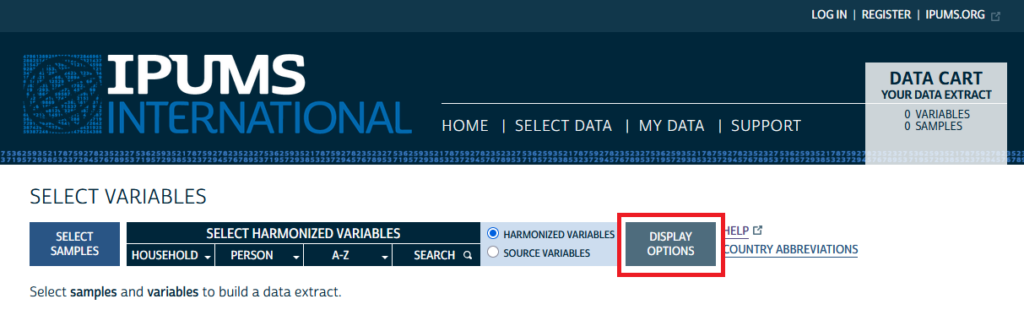
Variable based sample selection is not enabled by default, so to use it, you’ll first need to turn it on. From the top level Select Variables page on the IPUMS International website, click on the Display Options button:
This will call up the Display Options menu. The variable based sample selection feature is listed at the very top of the menu. To turn the feature on, click the radio button next to “Enabled”, then click the Apply Selections button at the bottom.


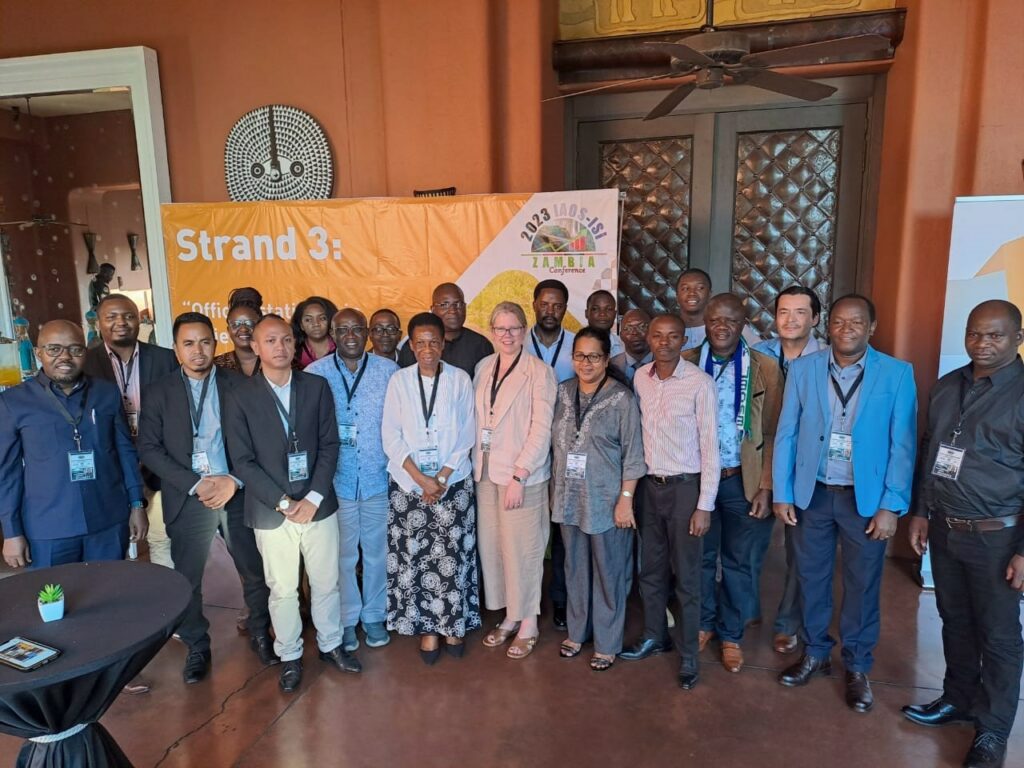 IPUMS remains committed to regional and conference-based engagement. In May, we hosted a pre-conference workshop in conjunction with IAOS (International Association for Official Statistics) Conference in Livingstone, Zambia.